 InvoTrack
GST invoices and expenses, right from your phone.
Create tax invoices with CGST, SGST and IGST worked out for you, pick a professional PDF template, and send it to your client on WhatsApp in moments. Keep your expenses in the same app.
- 10 invoice types
- 3 PDF templates
- Share as PDF
- Expense tracker
Everything a small business needs to bill properly
Built around how Indian businesses actually invoice, from GST tax invoices to proforma quotes and credit notes.
GST-ready tax invoices
Add HSN/SAC codes and GST rates per item. CGST, SGST or IGST, place of supply and reverse charge are all on the invoice.
10 invoice types
Tax, proforma, recurring, credit and debit notes, timesheet, progress, retainer, commercial and past-due reminders.
Professional PDF templates
Choose Professional, Classic or Modern. Each invoice keeps the template it was made with.
Share in one tap
Send the PDF straight to WhatsApp, email or any app on your phone.
Bank & UPI details
Print your bank account, IFSC and UPI ID on every invoice so clients know exactly how to pay you.
Expense tracker
Log business spending by category and see each month's total and breakdown at a glance.
A fresh invoice in a few taps
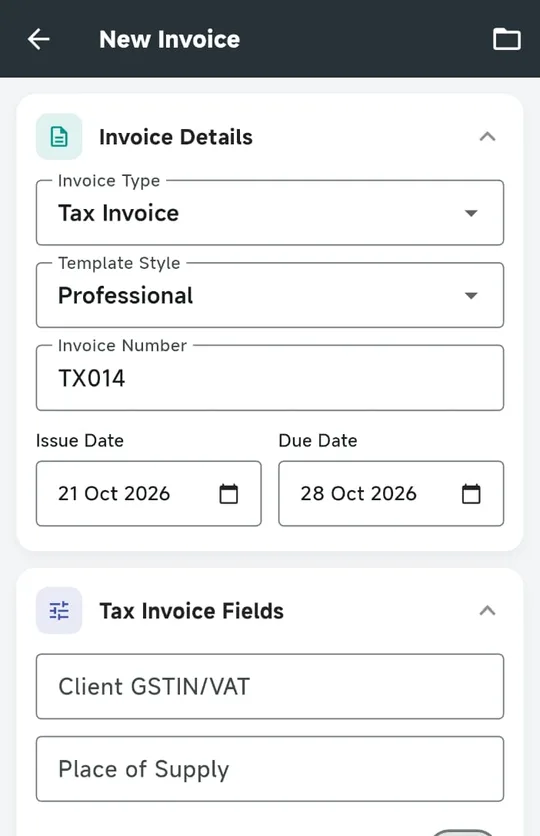
Choose the invoice type and the form shows only the fields that type needs.
- Automatic numbering you can still edit, like TX014 or INV-2026-001
- Your business details filled in from your saved profile
- Totals update live as you add items, GST and discounts
Every invoice, easy to find
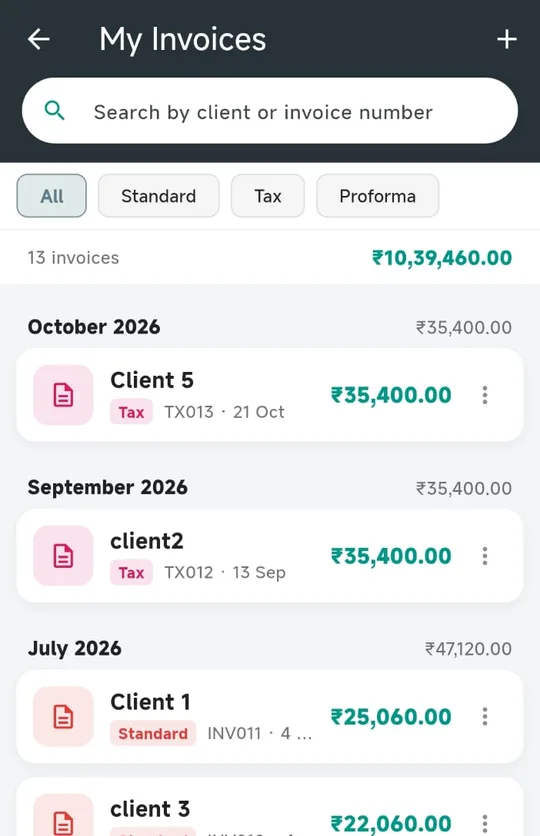
Search by client name or invoice number, filter by type, and see each month's total.
- Month-wise grouping with totals for each month
- View, edit, share or delete from one menu
- Undo if you delete something by mistake
Know where the money goes
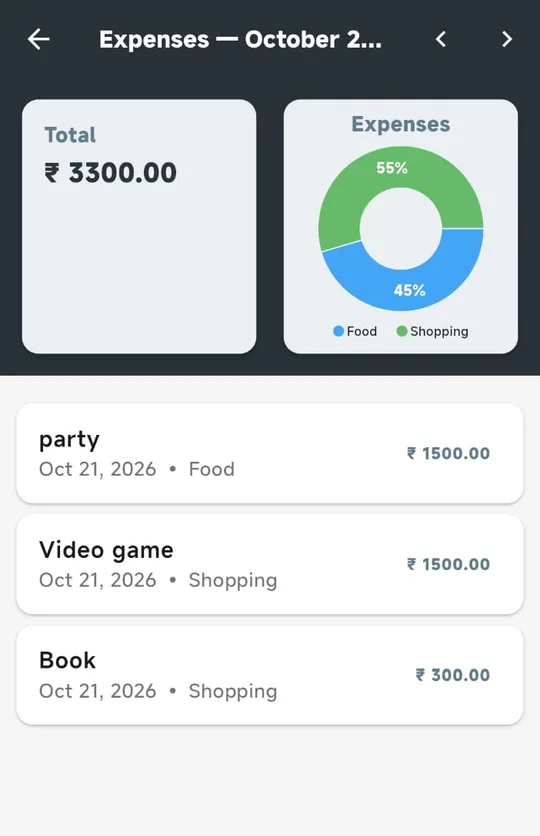
Add expenses as they happen and see the month's spending split by category.
- Monthly totals with a category chart
- Page through months to compare
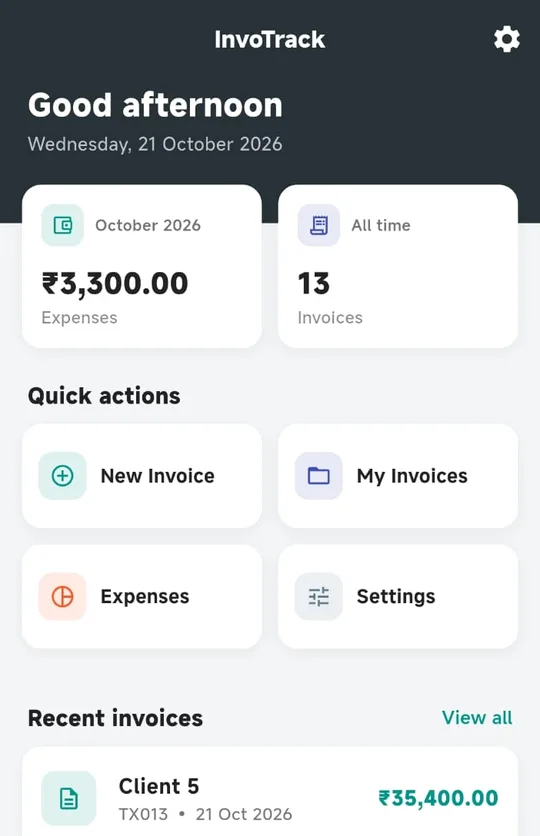
- Home dashboard shows this month's expenses and your invoice count
Up and running in three steps
Sign up and set up your business
Create an account, verify your email, and add your business name, address, GSTIN and bank details once.
Choose a plan
Message us with the plan you want. We activate it on your account as soon as payment is received.
Start invoicing
Add your client and items, pick a template, generate the PDF and share it.
Simple plans, every feature included
All plans include the full app. Pick how you'd like to pay.
Common questions
How do I subscribe?
Choose a plan above and message us on WhatsApp or email. Once payment is received we activate the plan on the account you signed up with. There's nothing to install beyond the app.
What happens if my plan expires?
You keep access to everything you've already created. You can still open, view and share all your past invoices. Creating new invoices needs an active plan.
Where are my invoices stored?
Your account, business profile and expenses are stored securely in the cloud with your account. Invoices and their PDFs are currently saved on your phone, so share or save copies of important PDFs. Cloud sync for invoices is on our roadmap.
Does it handle CGST, SGST and IGST?
Yes. Each item can carry its own HSN/SAC code and GST rates. The invoice shows the taxable value, the CGST, SGST or IGST amounts, and a GST summary table.
Can I change my business details later?
Yes. Your business name, address, contact and bank details can be updated any time from Settings → Business Profile. Your GSTIN is fixed once saved, because it identifies your business. Contact us if it genuinely needs correcting.
Can I use my own invoice numbers?
Yes. InvoTrack suggests the next number automatically, and you can edit it to match your existing series before generating the invoice.
Ready to send better invoices?
Tell us about your business and which plan you're interested in, and we'll get you set up.